


Description
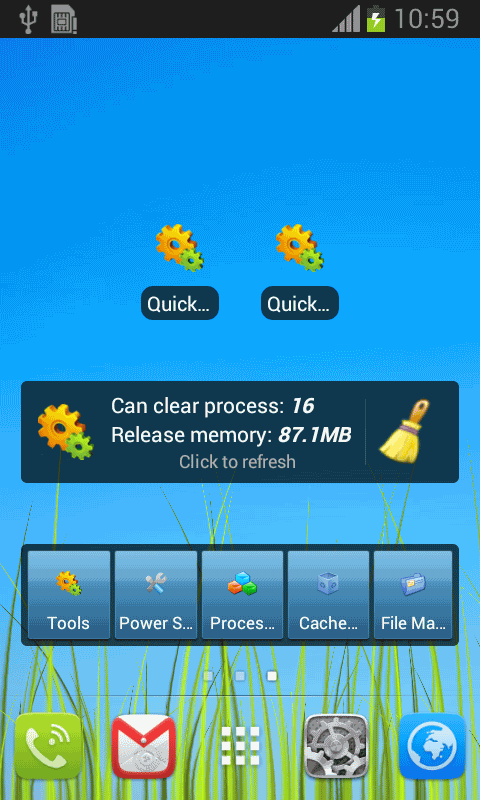
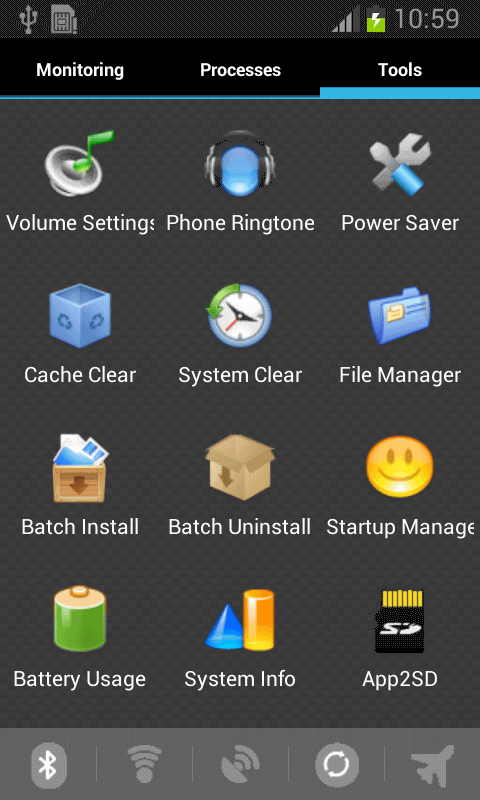
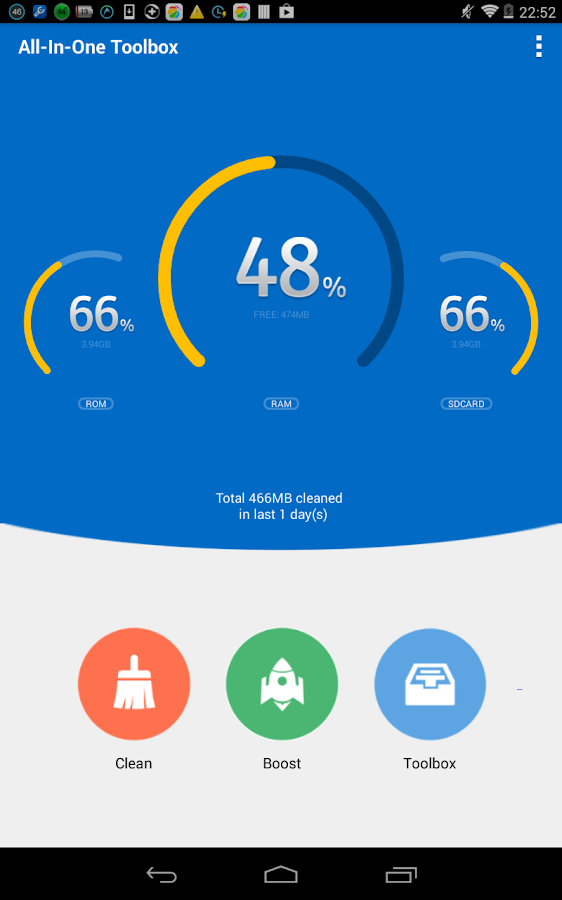
The best Android cleaner & memory booster All-In-One Toolbox, equipped with 29 Android system tools, is designed to clean up junk files, boost memory, protect private info and speedup your Android with one-tap cleaning and process killing. All-In-One Toolbox allows to batch uninstall unwanted apps, move apps to SD Card, disable running apps from system boot, manage files in SD Card and more...
Features of All-In-One Toolbox (Android Cleaner and Memory Booster)
★ Intuitive:Simple and clear UI design for easy and quick system optimization.
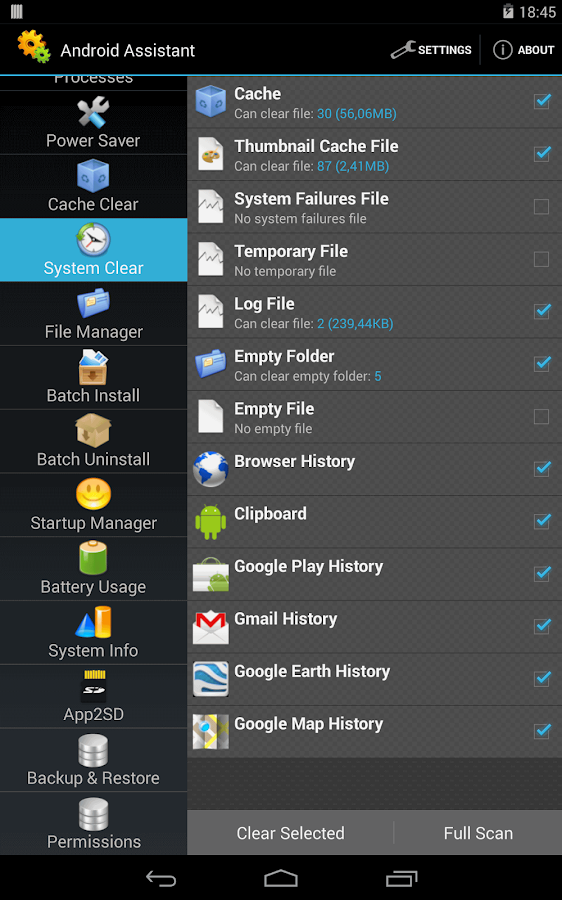
★ Thorough:Thorough and deep scanning of all the junk files(cache, residual, temp files etc.) and clean them out with just one-tap.
★ Versatile:29 tools into one pack to speed up system and extend battery life.
★ Multilingual:31 supported languages, easy and friendly to use.
★ Light:Small in size and no background service, consuming less memory and battery.
★ Intuitive:Simple and clear UI design for easy and quick system optimization.
★ Thorough:Thorough and deep scanning of all the junk files(cache, residual, temp files etc.) and clean them out with just one-tap.
★ Versatile:29 tools into one pack to speed up system and extend battery life.
★ Multilingual:31 supported languages, easy and friendly to use.
★ Light:Small in size and no background service, consuming less memory and battery.
What does All-In-One Toolbox do?
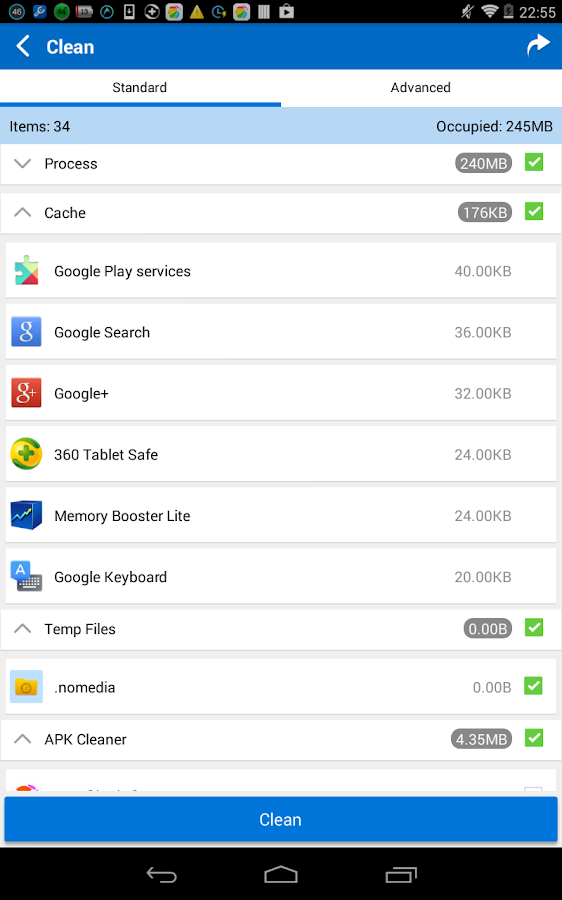
★ Clean out junk files:
Created in a simple method of seeing what's taking up storage and reclaiming lost memory via smart and safe cleaning.
* Delete SMS & Call logs
* Erase browsing history
* Remove Temp files
* Clean SD card
* Sweep out Apk leftover
* Eliminate cache files
Created in a simple method of seeing what's taking up storage and reclaiming lost memory via smart and safe cleaning.
* Delete SMS & Call logs
* Erase browsing history
* Remove Temp files
* Clean SD card
* Sweep out Apk leftover
* Eliminate cache files
★ Make system run fast - process manager & boot speed up:
Kill running tasks whenever device slows down or freezes. Disable unwanted startup apps from system boot. Free up memory and keep Android device running at optimum speed.
* One-tap boost under whitelist protection
* Process manager with memory, battery and CPU consumption
* Speed up boot and release system resources
Kill running tasks whenever device slows down or freezes. Disable unwanted startup apps from system boot. Free up memory and keep Android device running at optimum speed.
* One-tap boost under whitelist protection
* Process manager with memory, battery and CPU consumption
* Speed up boot and release system resources
★ Privacy protection:
Provide access for you to erase your personal data and browsing traces to keep the privacy information from revealing. Pass-word service will lock the things you don’t want to share with others.
* App locker
* Browsing trace erasing
* Call or SMS logs deleting
Provide access for you to erase your personal data and browsing traces to keep the privacy information from revealing. Pass-word service will lock the things you don’t want to share with others.
* App locker
* Browsing trace erasing
* Call or SMS logs deleting
★ APP and File management:
Check what’s on Android and provide a list of options for you to control files at your own will.
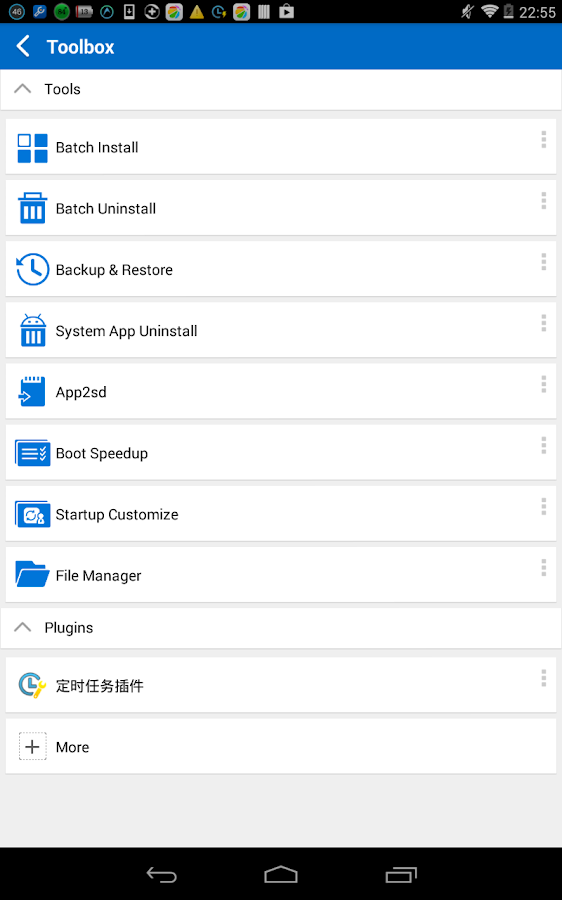
* Uninstall system app
* App to SD card
* Batch installer/uninstaller
* Zip and unzip
* Backup and restore
Check what’s on Android and provide a list of options for you to control files at your own will.
* Uninstall system app
* App to SD card
* Batch installer/uninstaller
* Zip and unzip
* Backup and restore
★ Plenty of additional tools:
29+ system tools available in All-In-One Toolbox, all essential for your ease and wonderful Android experience.
* Auto task plug-in: cache and junk file clean, silent mode, airplane mode and wifi management at set intervals automatically
* Compass plug-in: give you direction when you are lost
* Flashlight: light up your surroundings when it’s dark
* QR and Barcode Scanner: quick scanning and info collecting
* Game Booster: boost games to give you more fun
* Android sensor box: show you all available sensors on your Android
* Quick settings: offer easy access to the
* Volume settings: provide one-click volume setup
* And there are more…
29+ system tools available in All-In-One Toolbox, all essential for your ease and wonderful Android experience.
* Auto task plug-in: cache and junk file clean, silent mode, airplane mode and wifi management at set intervals automatically
* Compass plug-in: give you direction when you are lost
* Flashlight: light up your surroundings when it’s dark
* QR and Barcode Scanner: quick scanning and info collecting
* Game Booster: boost games to give you more fun
* Android sensor box: show you all available sensors on your Android
* Quick settings: offer easy access to the
* Volume settings: provide one-click volume setup
* And there are more…